




How To Pay Electricity Bill In India? Know The Step-By-Step Process In 2027
Quick Answer
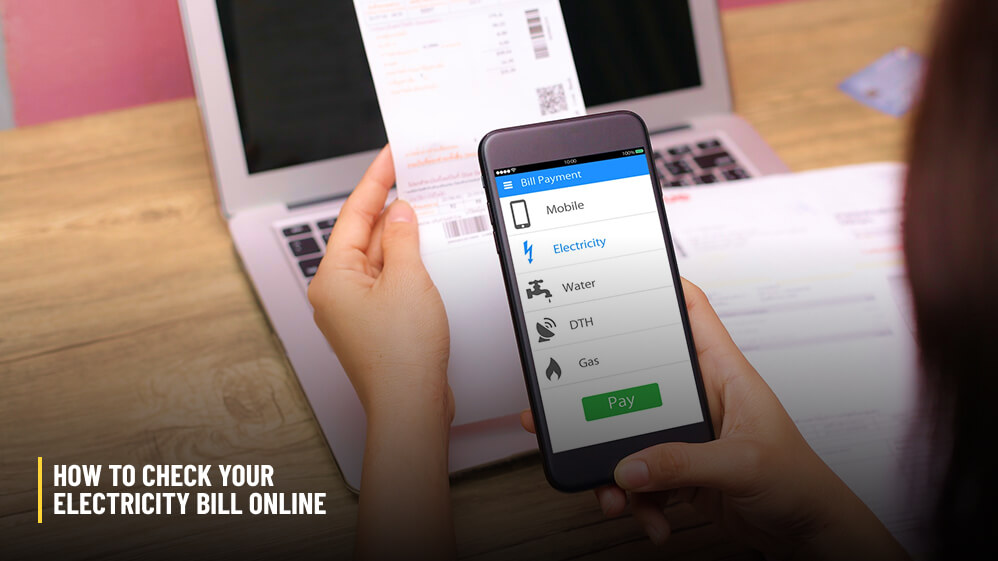
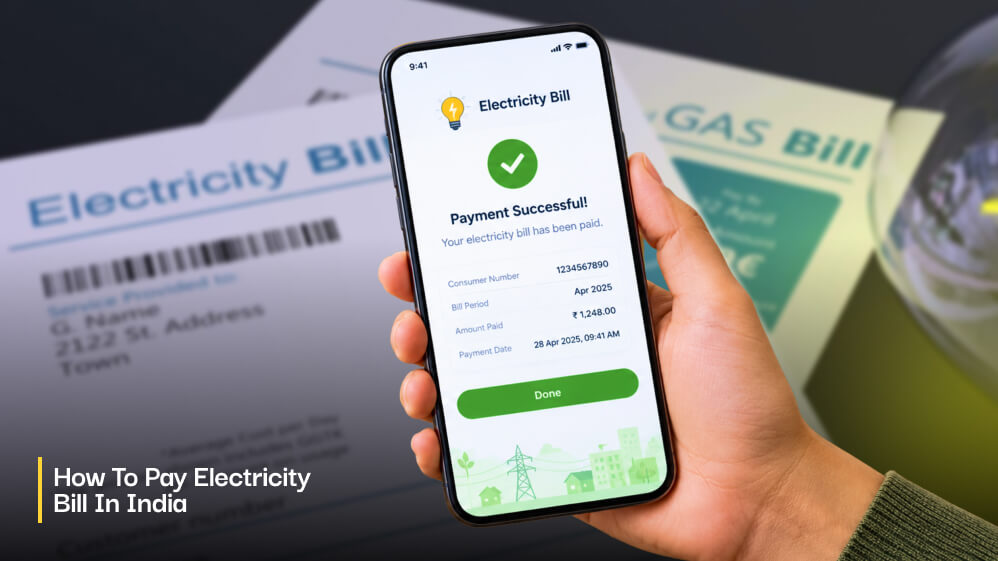
You can make your electricity bill payment online by visiting the official portal of your distribution company or DISCOM.
You can select the “Pay Bill” option, enter your consumer number, confirm the amount, and make payments.
Now, you can pay the bill via UPI ID, card, or net banking facilities.
Moreover, you can make the payments through the UMANG app or any Bharat BillPay-enabled bank or payment app.
Once you have made the payment, you can save the receipt and transaction number as proof.
How To Make Electricity Bill Payment In India Through A Step-By-Step Process?
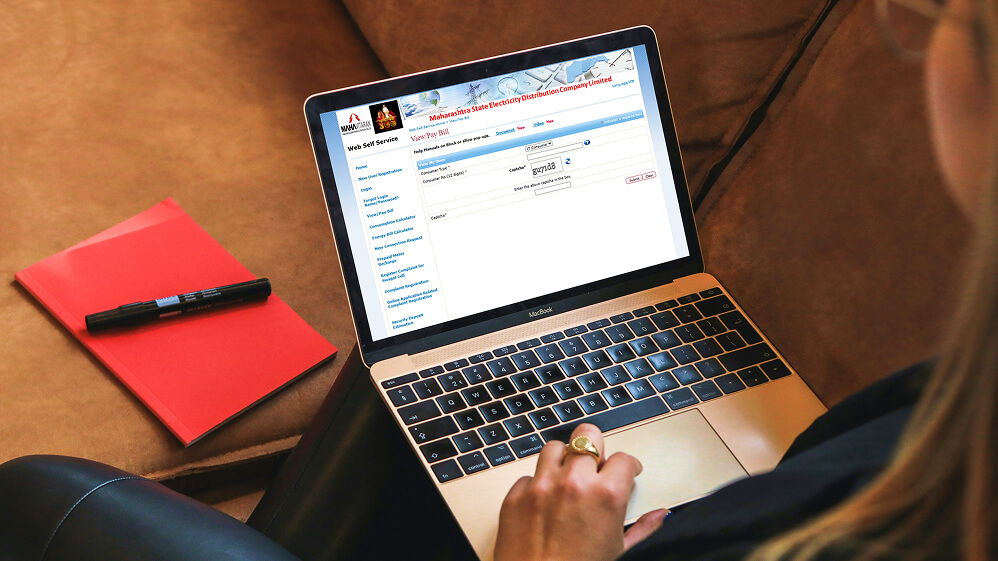
The website layout of every Discom can be different.
However, the procedure of making the payment will be the same.
The safest way is to type the official web address of the discom in the browser.
Avoid clicking on any link from unknown messages.
- Open the discom’s official website or app.
- Choose Pay Bill or Quick Pay.
- Enter your consumer number and fetch the bill.
- Check the amount, due date, and any arrears.
- Select UPI, net banking, card, or wallet, and authorise the payment.
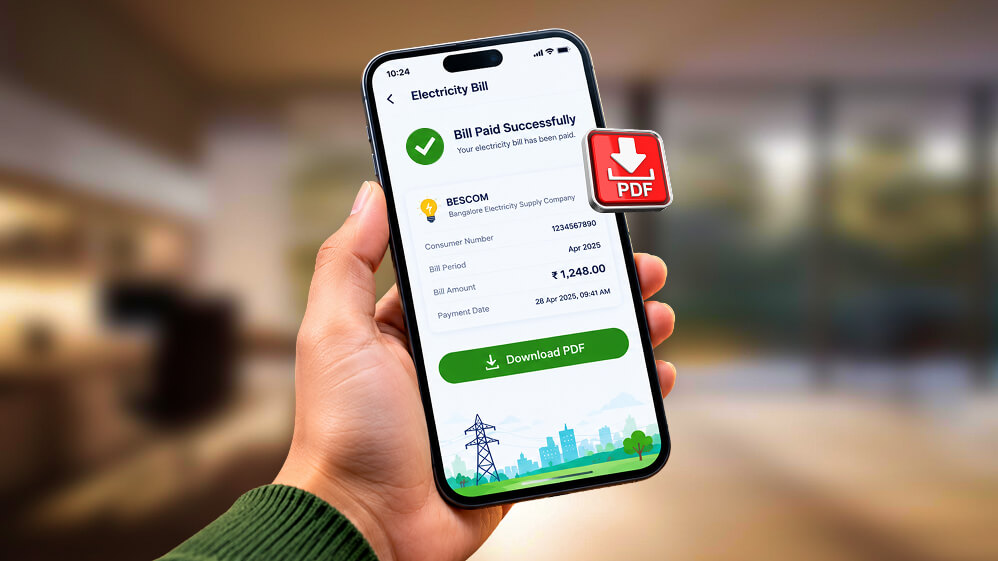
- Download the receipt and note the transaction ID.
Can You Pay Electricity Bill Without Logging In To Discom Portal?
Yes, you can pay an electricity bill in India without logging in to the Discom portal.
Most portals offer a Quick Pay option that allows you to pay the bill by providing your consumer ID.
You only need to log in if you want to check history, saved details, and e-bills.
Which Payment Modes Can You Use And Are There Charges?
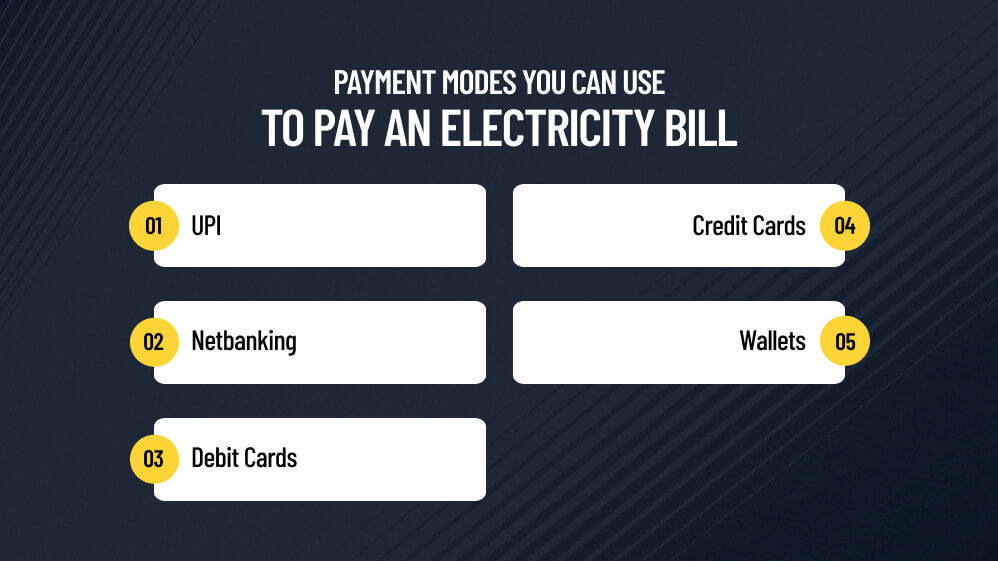
The payment modes you can use to pay an electricity bill in India are:
- UPI
- Netbanking
- Debit Cards
- Credit Cards
- Wallets
Some discoms reward online payment.
For example, MSEDCL’s bill format advertises a small discount for registered consumers who pay by net banking or card.
Furthermore, you can pay the bills online through the UMANG app or a Bharat BillPay-enabled bank or payment app.
However, payment apps may add convenience fees.
So, compare the prices before making the payment.
What Is Bharat BillPay?
Bharat BillPay is an interoperable bill payment system conceived by the RBI and operated by NPCI.
Electricity is one of its biller categories.
When a biller is enrolled, you get an instant receipt and see the Bharat BillPay logo.
Can You Pay Your Electricity Bill In Advance?
Yes, according to the Electricity (Rights of Consumers) Rules, 2020, you can now pay your bills in advance.
The smart pre-payment meters are on a recharge model.
So, ask your discom how advance payments are adjusted against future bills.
What Are The Details You Need To Check Before You Pay Your Bills?
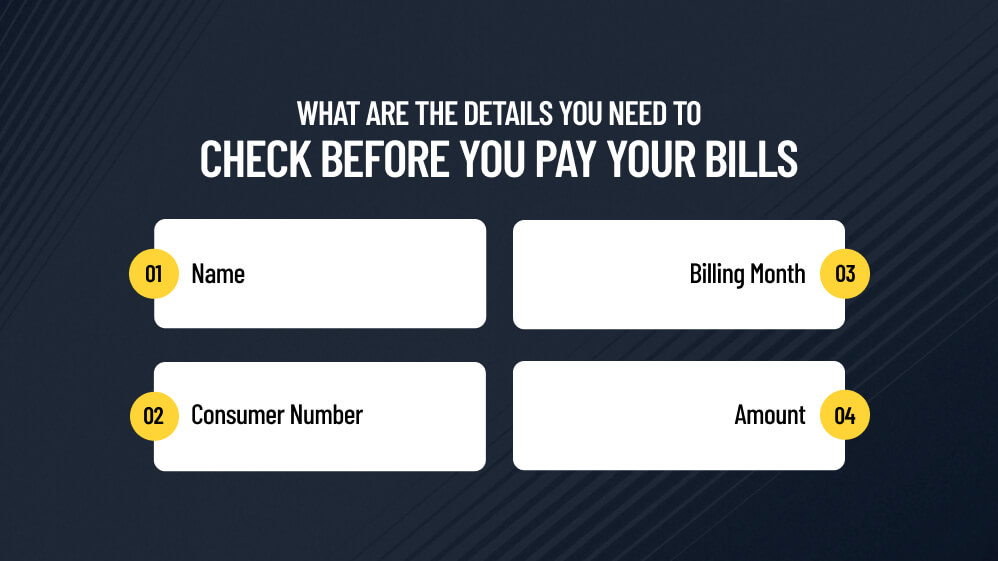
You have to provide the following details before you check your electricity bill.
- Name
- Consumer Number
- Billing Month
- Amount
You must fetch the bill instead of typing an amount so that the amount to be paid comes from the Discom’s system.
If the amount looks unusually high, read our guide on why an electricity bill is so high before paying.
Should You Pay A Disputed Bill?
You cannot stop the payment of a disputed bill to continue the electricity connection.
Under Section 56(2) of the Electricity Act, 2003, you have to pay the undisputed or the normal portion while you raise an issue about the increased amount if you want to reduce your electricity bill.
You can challenge the disputed amount or ask to lower your electricity bill for the last six months.
Here are the steps you can follow to challenge a wrong bill.
How To Challenge A Wrong Bill?
| Step | Action Item | Key Details and Requirements |
|---|---|---|
| 1 | Contact Your DISCOM | Call the national helpline at 1912, use their app, or visit the local office. Save your complaint reference number. |
| 2 | Gather Evidence | Take photos/videos of the current meter reading. Gather your last 12 months of bills to check for estimated readings. |
| 3 | Request a Meter Test | Ask for an official meter accuracy check or a manual reading if you suspect a faulty meter or cross-metering. |
| 4 | Escalate to the CGRF | File a complaint with the Consumer Grievances Redressal Forum if unresolved by the DISCOM within 30–60 days. |
| 5 | Appeal to the Ombudsman | Approach your state’s Electricity Ombudsman if you are unsatisfied with the decision framework of the CGRF. |
Is It Better To Pay Your Bills Early?
Paying your electricity bill earlier is not an essential choice.
These days, especially, the trend is to set up an auto-debit for the bill on the due date.
However, many Discoms, as we can clearly see in MSEDCL’s bill format, offer prompt-payment discounts or levy delayed-payment surcharges.
So, check your bill to know the discounts and benefits of early payments.
Moreover, if you make payments a few days before the due date, you are leaving room for sorting out failed transactions.
Can You Pay The Electricity Bills For Family Or Tenants?
Yes, you can pay the electricity bills of your family and tenants.
You just need their consumer number to complete the step-by-step bill payment process.
However, never share your own banking credentials.
Landlords and tenants should agree on who pays and keep every receipt.
What Should You Do After Paying The Electricity Bills?
Once you have paid the bills, wait until the success message pops up on your screen.
You must not close the window before that.
Then, save the receipt number and wait for the discom’s confirmation SMS.
If you pay offline, insist on a computerised receipt with a unique number, as MSEDCL’s own bills advise.
What If Money Is Deducted But Not Reflected?
If the money is deducted but it is not reflected in the bill payment, you can share your transaction ID and consumer number with your discom.
You can share the details on their portal or reach out to them via their helpline.
If the discom does not resolve the issue, you can register a grievance with the National Consumer Helpline on 1915.
Share the transaction ID, date, and consumer number with your discom’s helpline or portal.
If the discom does not resolve it, register a grievance with the National Consumer Helpline on 1915.
How To Pay Electricity Bill Offline?
If you are not comfortable paying the electricity bill online, you can physically visit the discom collection centers and bank branches.
These centers accept payments in cash or cheque.
Furthermore, if you are paying the electricity bill offline, you need to carry the electricity bill.
Also, write the consumer number and mobile number on any cheque, and insist on a receipt.
How To Avoid Fake Electricity Payment Scams?
Many times, I have received calls from scam callers threatening to disconnect the electricity connection.
They insisted that I install screen-sharing apps or pay via personal UPI links.
Now, I avoided these requests, blocked and reported them.
However, not everyone is equally aware, and especially the elderly can get nervous with such calls.
Still, remember that a genuine discom will not need your OTP or remote access.
Once you get such a call or an urgent message, you must reach out to your discom by calling the helpline number printed on your bill.
Also, only pay the bills through official channels.
How To Pay Electricity Bills In India?
These are the exact steps you need to follow to pay your electricity bills in India.
| Step | Action | Check Before Moving On |
|---|---|---|
| 1 | Keep your consumer number and latest bill ready. | Number matches the name on the bill. |
| 2 | Open the official discom site or a Bharat BillPay-enabled app. | Official address, HTTPS, no pop-up ads. |
| 3 | Select Pay Bill and fetch the bill. | Amount and due date appear. |
| 4 | Choose a payment mode (UPI, net banking, card). | Note any convenience fee. |
| 5 | Authorise the payment; never share OTP. | Success message appears. |
| 6 | Download the receipt; wait for SMS confirmation. | Transaction ID saved. |
How To Pay Electricity Bills In India? Frequently Asked Questions (FAQs)
Here are the frequently asked questions and answers about how to pay electricity bills in India.
1. Can I Pay My Electricity Bill Through UPI?
Yes, you can pay your electricity bill in India through UPI.
Most discom portals and Bharat BillPay-enabled apps accept UPI.
Also, you can directly open your UPI app, such as Google Pay, PhonePe, Paytm, BHIM, or your bank’s mobile app.
Then, select your electricity board or discom and provide your consumer ID or account number.
Next, fetch the bill and make the payment using your UPI PIN.
2. Is The Discom Portal Cheaper Than Payment Apps?
Yes, in most cases, paying electricity bills through the discom portal is cheaper.
Whenever you are trying to pay through any other app, there will be convenience fees.
So, check the convenience fee of the platform you are using before making your payments.
3. Can I Pay Someone Else’s Bill?
Yes, you can pay the bills of other people.
You just have to add the consumer ID of whoever you want to pay the bill for and then follow the same process as paying your electricity bill.
4. Will My Connection Be Cut If I Pay My Electricity Bill After The Due Date?
No, your connection may not be cut if you are paying the bill after the due date.
However, you will have to pay a late fee or price surcharge if you are paying the bill after the due date.
Under Section 56 of the Electricity Act, 2003, the power company needs to send you a formal notice and provide a window of 7 to 15 days before disconnecting your electricity connection.
5. How Much Does The Electricity Bill Payment Take To Reflect?
The electricity bill payment gets reflected immediately once you complete the payment.
You must wait for the payment confirmation message on the screen, and you will also receive an SMS to your registered mobile number.
However, if the amount is deducted and the payment is not reflected, you must reach out to the helpline number of your distribution company.
6. Can I Cancel The Online Payment Of My Electricity Bill?
No, you cannot cancel the online payment of any electricity bill because the payments are final.
If there is any dispute regarding the payment, you can directly reach out to your distribution company.
7. Where Do I Complain About Payment Failures?
In case of a payment failure, you must reach out to your discom helpline first.
If the discom does not resolve the issue, you can call the National Consumer Helpline on 1915.














All Comments
Electricity Bill Download In India: Step-By-Step Process
30 Oct 2026
[…] […]
Reply