




How To Check Your Electricity Bill Online? A Step-By-Step Guide
Quick Answer:
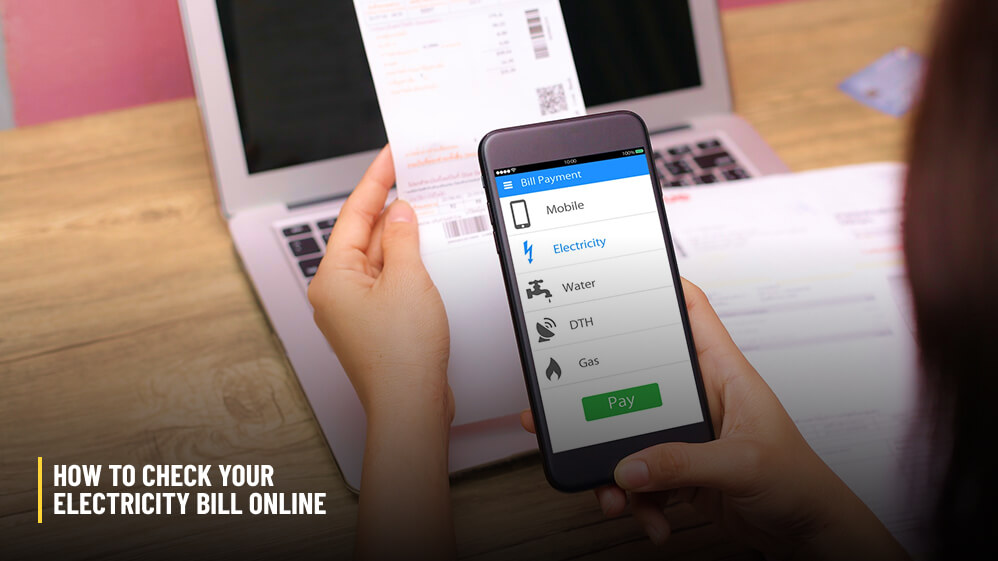
You can check your electricity bill online by visiting the official website of the distribution company (Discom) of your state.
You can even use the Discom app to check your electricity bill from your mobile phone.
Then, select the “View Bill” or “Quick Pay” option.
For example, I live in West Bengal.
So, I have to visit the WEST BENGAL STATE ELECTRICITY DISTRIBUTION COMPANY LIMITED (WBSEDCL) website.
There is a “View Bill” option in the list.
Once I click on it, I will get redirected to a page where I have to fill in my consumer ID, installation number, and a CAPTCHA number Capcha.
Then, you will see the bill featuring the current amount to be paid, units consumed, due date, and billing history.
Also, you can download the UMANG app on your phone. It has the integrated Bharat BillPay feature.
What Are The Things You Need To Check Your Electricity Bill Online?
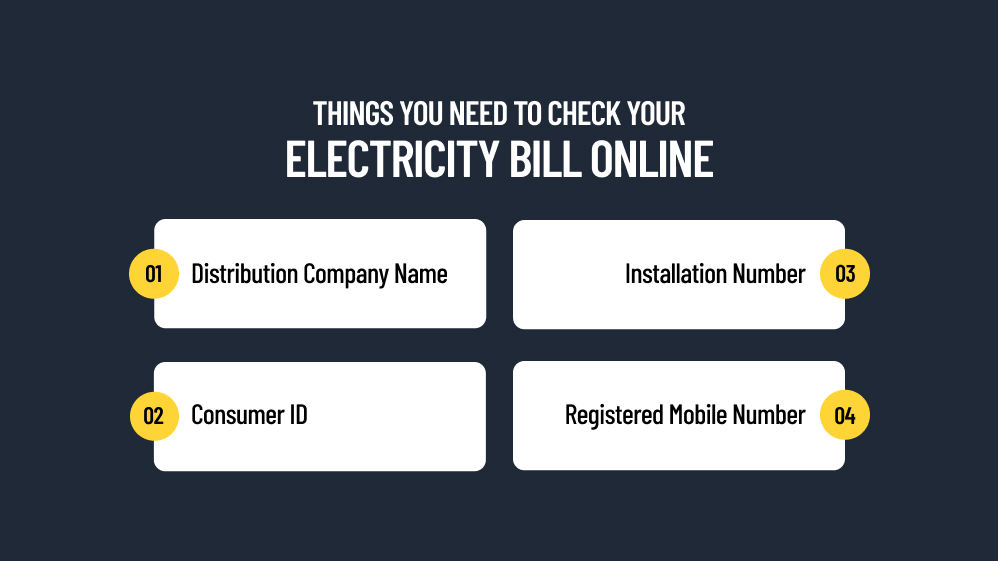
You need the following things to check your electricity bill online.
- Know the name of your distribution company.
- Keep your consumer ID handy.
- You may also need your installation number.
- Also, you will need the registered mobile number against that connection.
Here, please note that there is no single national bill portal.
Every state discom runs its own, and the Electricity (Rights of Consumers) Rules, 2020 give you the option to pay bills online or offline.
Which Number Should You Enter?
The requirements will change by state.
A Consumer ID or account ID is a must.
For example, the Maharashtra State Electricity Distribution Company Limited (MSEDCL) has a 12-digit consumer number mentioned in every electricity bill.
The consumer ID mentioned in the WBSEDCL bills is nine digits.
At the same time, the Bangalore Electricity Supply Company Limited (BESCOM) will ask for an account ID when you want to check your electricity bill online.
It is the long number printed beside your name and address, not the meter number.
Along with that, you may have to furnish the installation number, service connection number, or revenue record (RR) number.
What If I Cannot Find Required Numbers?
If you cannot find these details, you can check your old paper bill or payment receipt.
Also, if you cannot find the details on the paper bills, you can visit the Discom website and navigate to the customer care section.
For example, for WBSEDCL, I call 19121 and provide my personal details.
Moreover, you can visit the nearby electricity office to find your customer ID and other important numbers for checking your electricity bill online.
How Do You Check Your Electricity Bill On The Discom’s Official Website?
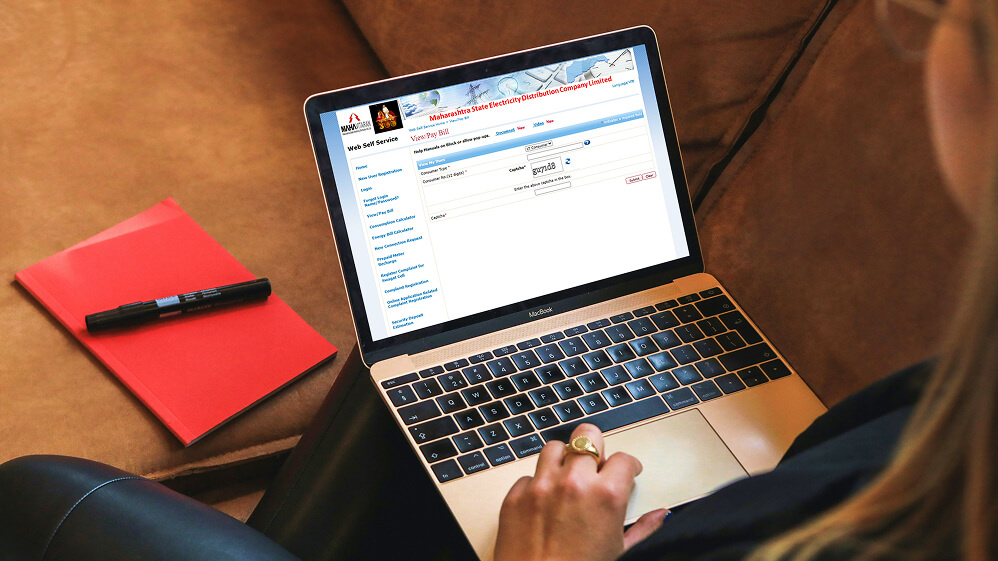
The state electricity portals are different.
However, the navigation process is quite similar.
You can type out the address in your web browser and find the official website.
You can also tap the link in your latest discom SMS.
However, while tapping the link in your SMS, you must be careful not to click on the sponsored search ads.
These can be scams and can cause payment fraud if you have been paying the bills through your UPI ID.
Know The Common Steps On Most Portals
- Open your discom’s website or app.
- Select View Bill, Bill Info, or Quick Pay. No login is needed on most portals.
- Enter the consumer number (and billing unit or CAPTCHA, if asked).
- Read the summary: amount, due date, units billed, and previous reading.
- Log in or register to see past bills.
Is Registration Worth It?
Yes, you must register your mobile number and email to unlock bill history and to receive SMS alerts and e-bill delivery.
For example, MSEDCL’s bill format asks consumers to update mobile and email details and offers a go-green request for e-bills.
Can UMANG Or Bharat BillPay Show Your Electricity Bill?
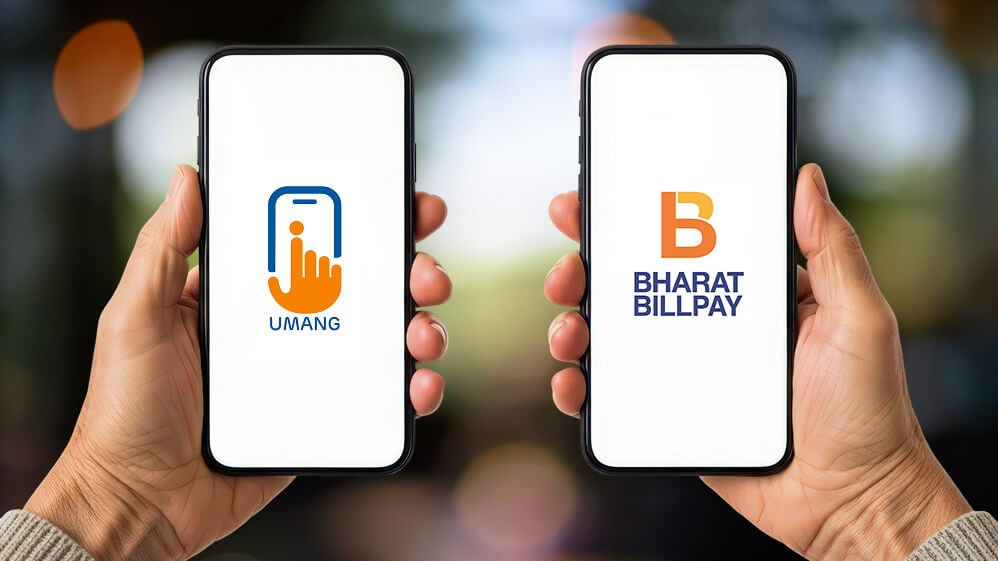
Yes, you can pay your electricity bill through UMANG or Bharat BillPay.
UMANG, built by MeitY and the National e-Governance Division, lists utility bill payment services next to government services.
Follow these simple steps to check or pay your electricity bill through the UMANG App, which comes with the integrated Bharat BillPay system.
- Open the UMANG App on your mobile device (or visit the UMANG Website).
- Log in or register using your mobile number and OTP.
- Search for “Bill Pay” or find the Bharat BillPay service category in the app.
- Select Electricity from the list of utility services (which also includes water, gas, and broadband).
- Choose your Electricity Board / Biller (e.g., your local state distribution company).
- Enter your Consumer Number / Account ID and fetch the bill amount.
- Complete the payment using your preferred digital payment mode (UPI, net banking, or cards).
Bharat BillPay, conceived by the RBI and operated by NPCI, lets bank and payment apps fetch your bill once you enter the consumer number.
Look for the Bharat BillPay logo, which marks enrolled billers and instant receipts.
Which Is Better: The Discom App Or A Payment App?
The discom app is a more reliable source if you want to check the history, complaints, and meter data.
However, if you want to check multiple utility bills, including your electricity bill, apps such as UMANG and Bharat BillPay are better.
Also, if you are making the payments through a third-party app, you must check the convenience fee.
How Do You Read Your Billing History And Consumption Pattern?

You can just log in and open the history section to see month-wise energy consumption.
A steady rise over several months points to usage, while a sudden spike points to a billing or meter issue.
Also, there have been changes in how consumers are kept informed about energy consumption after the installation of smart meters.
After the 2023 amendments to the Electricity (Rights of Consumers) Rules in 2023 and major changes in sections 5 and 8, it has been decided,
“In case maximum demand recorded by the smart meter exceeds the sanctioned load in a month, the bill, for that billing cycle, shall be calculated based on the actual recorded maximum demand and consumers shall be informed of this change in calculation through Short Message Service or mobile application.”
How Often Should You Check Your Electricity Bill?
You should check your electricity bill once a month when it is generated.
Also, you can check it after you have made big changes to your home, including the installation of major appliances like an air conditioner.
Early checks always help you to sort disputes before the bill payment date.
Also, the amendments focus on maintaining transparency when someone wants to check their electricity bill online.
The amendment notification said,
“The data regarding energy consumption shall be made available to the consumer, through a website or mobile application, or Short Message Service and the like, provided that the consumers having smart pre-payment meters shall also be given data access for checking their consumption and balance amount at least on a daily basis.”
What Should You Verify Once The Bill Appears?
- Units billed equal current reading minus previous reading.
- The tariff category (domestic, commercial) is correct.
- The sanctioned load matches your connection papers.
- Arrears, adjustments, and the due date are what you expect.
What If The Amount Looks Wrong On The Bill?
If the amount on your bill looks wrong, you can take a photo of your meter display on the same day.
You can then save the bill and raise a complaint before the due date.
For further details, you can check my guide on how to complain about the electricity bill.
How To Check Your Electricity Bill Online? A Quick Glance At The Exact Steps
| Step | What to do | What you should see |
|---|---|---|
| 1 | Note your discom name and consumer number from an old bill or SMS. | A 10–12 digit number (length varies by state). |
| 2 | Open the discom’s official website or app by typing the address. | The discom’s own branding and a secure (HTTPS) page. |
| 3 | Choose View Bill, Bill Info, or Quick Pay. | A box asking for your consumer number. |
| 4 | Enter the number, billing unit, and CAPTCHA, if asked. | Your name, bill amount, and due date. |
| 5 | Check units, previous reading, tariff category, and arrears. | Units equal current minus previous reading. |
| 6 | Register or log in for history and e-bill alerts. | Past bills and payment status. |
The portals change from one state to another.
However, the navigation logic remains more or less the same, with minor changes such as Consumer ID being replaced by account number in the Bangalore Electricity Supply Company Limited.
Moreover, the DISCOM app or website is the safest for checking your electricity bill and making payments.
Consider other apps as convenience layers.
How To Check Your Electricity Bills: Frequently Asked Questions (FAQs)
Here are the frequently asked questions and answers about how to check electricity bills online.
1. Is There One National Website To Check Electricity Bills?
No, there is no national website in India to check electricity bills.
Every distribution company or state-wise distribution company will have its own portal.
However, apps such as UMANG and Bharat BillPay bring many discoms together for easy bill payments.
2. Do I Need To Register To View My Electricity Bill?
No, you usually do not need to register to check your electricity bill.
However, you will need to register your phone number and email ID to check previous bills and receive alerts and e-bills.
3. Can I Check A Bill With Only The Consumer Number?
Yes, on most portals, you can check your electricity bill online by using your consumer number.
However, portals such as WBSEDCL ask you to furnish additional details such as the installation number to view the bill.
4. How Many Months Of Bills Can I See?
You can usually see electricity bills of 12 to 24 months on Discom portals.
Once you log in to your account, you will see payment and transaction history, past bills, consumption history, and downloadable PDF invoices.
5. Why Can’t I See My Bill Online?
You may not be able to see the bill online because it may not have been generated yet.
Also, you will not be able to see the bill if you are entering the wrong customer ID.
There can also be connectivity issues, and you must contact your Discom if you cannot see your electricity bill online.
6. Is It Safe To Enter My Number On Payment Apps?
Yes, if you are using apps such as UMANG or Bharat BillPay, you can rest assured that your number will remain safe.
However, never share OTPs when you receive them through SMS or email.
7. Can I Check My Bill By SMS?
Yes, you can check your bill by SMS.
Many discoms send bill SMS alerts to registered mobile numbers.
Check your discom’s services page to know how you can register your mobile number to receive e-bills.